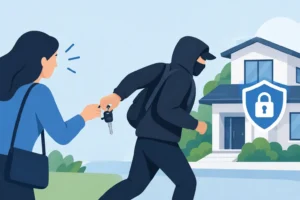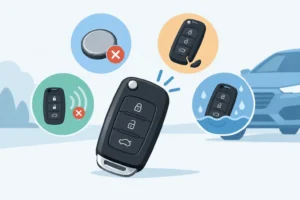
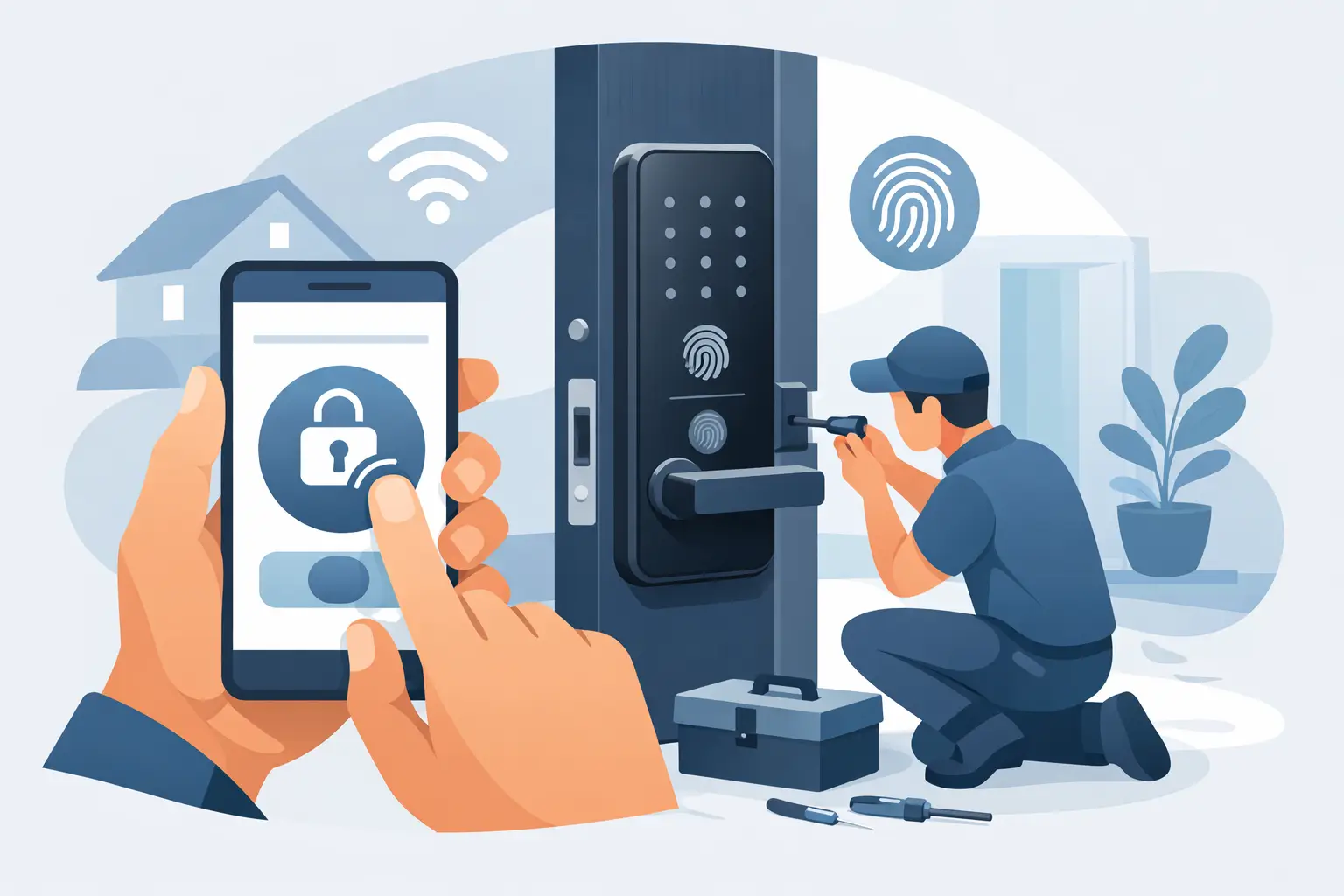

A dead battery, a lost key, or an employee who needs access after hours can turn a normal day into a lock problem. Learning how to install keyless entry gives you more control over who can enter your property without handing out extra keys. The right keypad or smart lock can make daily access easier, but only when it is compatible with your door and installed correctly.
For most homes and small businesses, a keypad deadbolt is the simplest upgrade. It replaces or works alongside a traditional deadbolt and lets approved users enter with a code. Smart locks add app control, temporary codes, activity alerts, and sometimes remote access. Those features are useful, but they also add setup requirements and more points that need to be maintained.
Start With the Right Type of Keyless Lock
Before removing a single screw, decide what kind of access you actually need. A basic electronic keypad deadbolt is a strong fit for homeowners who want key-free entry without relying on Wi-Fi. Many models still include a physical key override, which is helpful during a battery failure or electronic malfunction.
A smart deadbolt is better for rental properties, busy families, and businesses that need to add or delete users regularly. Some models connect by Bluetooth, Wi-Fi, or a separate hub. For a storefront, office, or multi-user property, consider whether you need audit trails, scheduled access, a lever lock for an interior door, or a commercial-grade access control system instead of a residential smart lock.
Do not choose based on appearance alone. Confirm that the lock is rated for exterior use, has a suitable security grade, and fits your existing door preparation. A low-quality keypad lock on a poorly aligned door will not provide dependable security.
Check Your Door Before You Install Keyless Entry
Most residential keyless deadbolts are designed for a standard door thickness of 1-3/8 to 1-3/4 inches. Measure your door before buying hardware. Also measure the backset, which is the distance from the edge of the door to the center of the bore hole. Standard backsets are usually 2-3/8 or 2-3/4 inches.
Check the existing holes as well. Many keyless deadbolts fit a standard 2-1/8-inch face bore and a 1-inch edge bore. If your door has nonstandard holes, a narrow stile, decorative glass near the lock area, or a multipoint locking system, installation may require specialized hardware or professional modification.
Door alignment matters just as much as measurements. Close the door slowly and watch whether the existing deadbolt enters the strike plate cleanly. If you have to push, pull, lift, or slam the door to lock it, fix that problem first. Electronic deadbolts are designed to extend smoothly. Repeated binding can drain batteries, damage the motor, and leave you locked out.
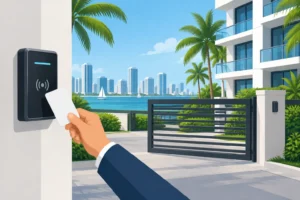
For South Florida properties, also consider exposure. A lock on a gate, waterfront-facing door, or entry exposed to direct rain and salt air needs weather-appropriate hardware. Check the manufacturer’s environmental rating rather than assuming every keypad lock can handle the same conditions.
Tools and Preparation You Will Need
Most replacement installations require a screwdriver, tape measure, pencil, and fresh batteries. Keep the manufacturer’s template and instructions nearby, even if the new lock appears similar to the old one. The placement of the cable, mounting plate, and strike hardware varies by model.
Before starting, open the door and keep it open throughout the installation. Never test a new keyless lock for the first time with the door closed. That one precaution prevents a simple setup issue from becoming an emergency lockout.
If your lock uses an app, download it before mounting the hardware. Create the account, check your phone’s Bluetooth or Wi-Fi connection, and make sure your home or business network is available where the door is located. Weak signal at the entry can limit remote features even when the lock itself works normally.
How to Install Keyless Entry Step by Step
Start by removing the old deadbolt. With the door open, unscrew the interior thumb-turn assembly, pull off both sides of the lock, and remove the bolt from the door edge. Take out the old strike plate only if the new lock includes one or the existing plate does not line up properly.
Install the new deadbolt latch into the edge of the door. The word “UP” on the latch must face upward. Make sure the bolt extends and retracts freely by hand before moving on. If it catches, do not force it. Recheck the latch orientation and the size of the edge bore.
Next, feed the exterior keypad or touchscreen assembly through the door. Keep the cable above the deadbolt latch and avoid pinching it between the mounting plate and the door. On many models, the cable connects to the interior assembly through a small port. Handle that connection gently. Bent pins or a loose connector can cause intermittent power and programming issues.
Secure the interior mounting plate according to the manufacturer’s instructions. Tighten the screws evenly, but do not overtighten them. A lock installed too tightly can bind against the door and interfere with the bolt’s operation. Attach the interior unit, connect the cable, then install fresh batteries in the correct orientation.
With the door still open, run the lock’s handing or calibration process if required. This tells the lock whether it is installed on a left- or right-swinging door and helps it determine how far the bolt must travel. Test locking and unlocking several times from the keypad, interior thumb-turn, physical key override, and app if applicable.
Finally, close the door and test the bolt slowly. The deadbolt should enter the strike plate without scraping or stopping. If it does not, adjust the strike plate or correct the door alignment. Do not rely on the lock motor to force the bolt into place.
Set Access Codes That Actually Protect Your Property
Installation is only half the job. A keyless lock is as secure as the way you manage access. Replace the factory programming code immediately and choose a unique administrator code that is not based on an address, birthday, or obvious number pattern.
Create separate user codes for household members, staff, cleaners, contractors, or short-term guests. That way, you can remove one person’s access without changing everyone else’s code. For a business, avoid sharing a single code among the entire team. It may be convenient, but it leaves no clear record of who had access.
Use temporary or scheduled codes when your lock supports them. A contractor who needs access from 9 a.m. to 3 p.m. does not need a permanent code. Review active codes after staff changes, tenant turnover, renovations, or any situation where a code may have been shared more widely than intended.
If you use a smart lock, protect the app account with a strong password and multi-factor authentication when available. Keep the lock’s firmware updated, but only use updates from the manufacturer’s official app. Battery alerts should be addressed early. Most electronic locks provide warning signs before batteries fail, but waiting until the keypad is slow or unresponsive is asking for trouble.
When DIY Installation Is Not the Best Choice
A straightforward replacement on a standard door is often manageable. It is smarter to call a professional when the door needs drilling, the holes are misaligned, the frame is damaged, or the deadbolt will not operate smoothly. Commercial doors, aluminum storefront doors, fire-rated doors, high-security cylinders, and multipoint locks also need careful hardware selection to preserve security and code compliance.
Professional installation can be especially valuable when you are upgrading more than one entry. A locksmith can match the right lock type to each door, reinforce weak strike areas, verify door alignment, and help you avoid the common mistake of putting expensive electronics on a door with a weak frame or worn hinges.
General Locksmith provides mobile keyless entry installation and lock security support across Broward County and nearby South Florida communities. Our licensed, insured, and bonded technicians can help with a new keypad deadbolt, smart lock troubleshooting, access-code concerns, or a door that will not lock correctly. Call 954-243-1381 for immediate assistance or to schedule an appointment. We are here to help 24/7, with no extra charge for weekends or holidays.
A keyless entry system should make coming and going easier, not create a new point of failure. Choose hardware that fits your door, test it before closing up, and keep control of every code you issue. If the lock binds, the door needs modification, or you are unsure about the right security setup, getting experienced help early protects both your property and your peace of mind.