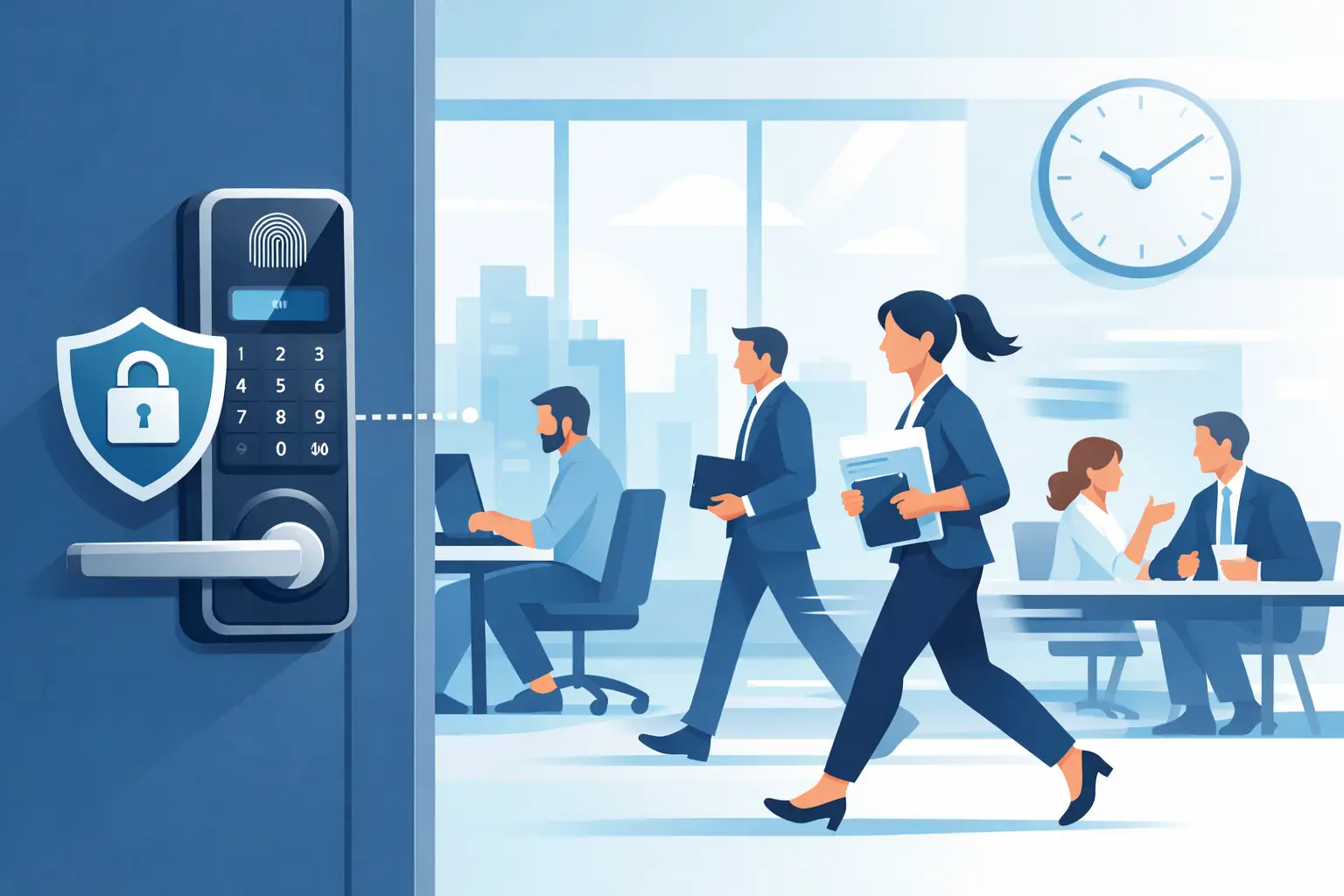

A locked office door is only useful if the door, frame, hardware, and key policy all work together. Knowing how to secure office doors means protecting more than laptops and inventory. It means giving employees a safer workplace, limiting unauthorized access, and making sure your business can open and close without security gaps.
For a small office, retail back room, medical practice, warehouse, or multi-tenant commercial space, the best solution depends on who needs access, when they need it, and what you need to protect. The goal is not to make every door difficult to use. It is to make unauthorized entry difficult while keeping normal operations moving.
Start With the Door, Frame, and Hinges
A high-security lock cannot fully compensate for a weak door or damaged frame. Before upgrading keys or adding electronic access, inspect the physical condition of each exterior and restricted-access door.
A hollow-core interior door may be acceptable for a low-risk storage closet, but it is not the right choice for a server room, office with sensitive files, or rear employee entrance. Exterior doors should be solid wood, metal, or commercial-grade fiberglass, with frames securely anchored to the surrounding wall.
Pay close attention to the strike plate, the metal plate on the frame where the latch or deadbolt enters. A short strike plate installed with small screws can fail under force. Commercial doors should use a heavy-duty strike plate fastened with long screws that reach the wall framing or appropriate reinforcement behind a metal frame.
Hinges matter too. If hinges are exposed on the outside of an outward-swinging door, use non-removable hinge pins or security hinges. Otherwise, someone may be able to remove the pins and defeat the door even when the lock is engaged.
Choose Commercial-Grade Locks for Each Door
One common mistake is using the same basic lock on every office door. Different doors have different risks. The main entrance, back entrance, cash office, records room, and supply closet should not necessarily have identical hardware.
For exterior commercial doors, a commercial-grade deadbolt or cylindrical lever lock is often appropriate. High-traffic doors may benefit from a commercial mortise lock, which is built for frequent use and can provide strong, long-lasting performance when professionally installed.
A lever handle is generally easier for staff and customers to operate than a round knob, especially when carrying boxes or meeting accessibility needs. But convenience should not come at the expense of lock quality. Look for proven commercial hardware and make sure the latch, deadbolt, strike, and door closer are compatible.
High-security restricted key systems can add another layer of control. Systems from recognized manufacturers such as Medeco, Mul-T-Lock, and Primus are designed to resist common forms of key duplication and manipulation. They are especially useful when keys have been passed between employees, contractors, cleaners, or former tenants over time.
Control Who Has Keys and Credentials
A secure office can become vulnerable quickly when no one knows how many keys are in circulation. If a former employee leaves with a key, or a vendor never returns one, the business may have an access problem that is invisible until something goes wrong.
Assign keys to specific people and keep a simple record of who has them. For smaller businesses, this can be a written key log. For larger offices, it may be part of a formal access-control process. Do not hand out master keys unless there is a clear operational reason, and limit access to rooms containing financial records, medication, customer data, equipment, or sensitive documents.
Rekey locks when an employee with access leaves, keys are lost, a break-in occurs, or your business moves into a previously occupied suite. Rekeying changes the internal pin configuration of the lock so old keys no longer work. It is often more cost-effective than replacing every lock, provided the existing hardware is in good condition.
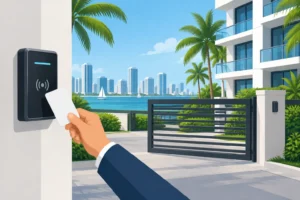
For offices with frequent staffing changes, an electronic keypad, card reader, fob system, or mobile credential can reduce the headache of collecting physical keys. Access can be removed quickly when someone leaves, and some systems provide an entry record that helps managers review unusual activity.
Add Access Control Where It Makes Sense
Electronic access control is not required for every business, but it can be a practical upgrade for offices that need better visibility and flexibility. A keypad may suit a small staff entrance. A card or fob system can work well for a larger office with multiple employees and changing schedules. Sensitive areas may require a separate credential from the main office entrance.
The trade-off is that electronic systems need proper installation, power planning, and maintenance. You also need a plan for outages and emergencies. Employees must be able to exit safely at all times, and designated managers should know how to handle a failed credential reader or dead battery.
Avoid sharing a single keypad code among the entire team. It is convenient, but it eliminates accountability and makes code changes disruptive. Individual codes are a better choice when the system supports them. Change codes promptly after staff turnover or when you suspect one has been shared outside the business.
Secure the Doors People Forget
Most businesses focus on the front door, while intruders often look for the less visible route: a rear exit, side door, loading entrance, rooftop access door, or connecting door between suites. These doors deserve the same level of inspection as the main entrance.
Walk the property after business hours and look at it from an outsider’s perspective. Check whether rear doors latch fully, whether the frame is separating from the wall, and whether landscaping, dumpsters, or stacked supplies provide cover near entry points. Good lighting and clear sightlines make a real difference.
Make sure emergency exit doors meet fire and building code requirements. Exit hardware must allow people to leave quickly and safely from the inside. Never add chains, double-keyed deadbolts, or other devices that could trap employees during an emergency. Security upgrades should be selected and installed with life safety requirements in mind.
Build Daily Habits Around Door Security
The strongest hardware can be undermined by a door propped open for deliveries, a key hidden near the entrance, or employees allowing unfamiliar people to follow them inside. A few clear practices will close many of these gaps without creating an uncomfortable workplace.
Use these four habits as part of your opening and closing routine:
- Confirm exterior doors are fully closed and latched, not just pulled shut.
- Keep rear and side entrances locked unless they are actively monitored or in use.
- Require visitors, vendors, and delivery personnel to use a defined entry point.
- Report lost keys, damaged locks, sticking doors, and suspicious activity immediately.
Assign responsibility for opening and closing procedures to specific staff members. If more than one person closes the office, make the checklist easy to follow and consistent. Include alarms, lights, windows, safes, and any restricted interior doors alongside the exterior lock check.
Do Not Ignore Door Closers and Repairs
A door that does not close completely is a security issue, even if it has an excellent lock. Commercial door closers can fall out of adjustment, especially on busy entrances exposed to heat, humidity, and heavy use. If the door slams, drags, bounces open, or needs to be pushed hard to latch, have it inspected.
Likewise, do not wait to repair a loose lever, cracked frame, damaged strike plate, or lock that requires repeated jiggling. These problems can lead to an unexpected lockout, employee frustration, or an easy point of entry. Prompt repair protects the hardware you have already invested in.
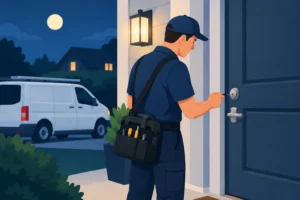
A professional locksmith can assess your current doors, identify weak points, rekey or replace hardware, and recommend upgrades that match your budget and security needs. For businesses in Broward County and nearby South Florida communities, General Locksmith provides mobile commercial locksmith support 24/7. Call 954-243-1381 for immediate help with a damaged lock, office lockout, rekeying service, or a planned security upgrade.
The right office security setup should feel ordinary to your team: doors close properly, authorized people get in without delay, and sensitive areas stay protected. That quiet reliability is what lets you focus on running the business instead of worrying about who can walk through the next door.