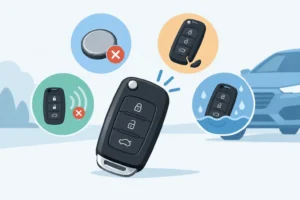
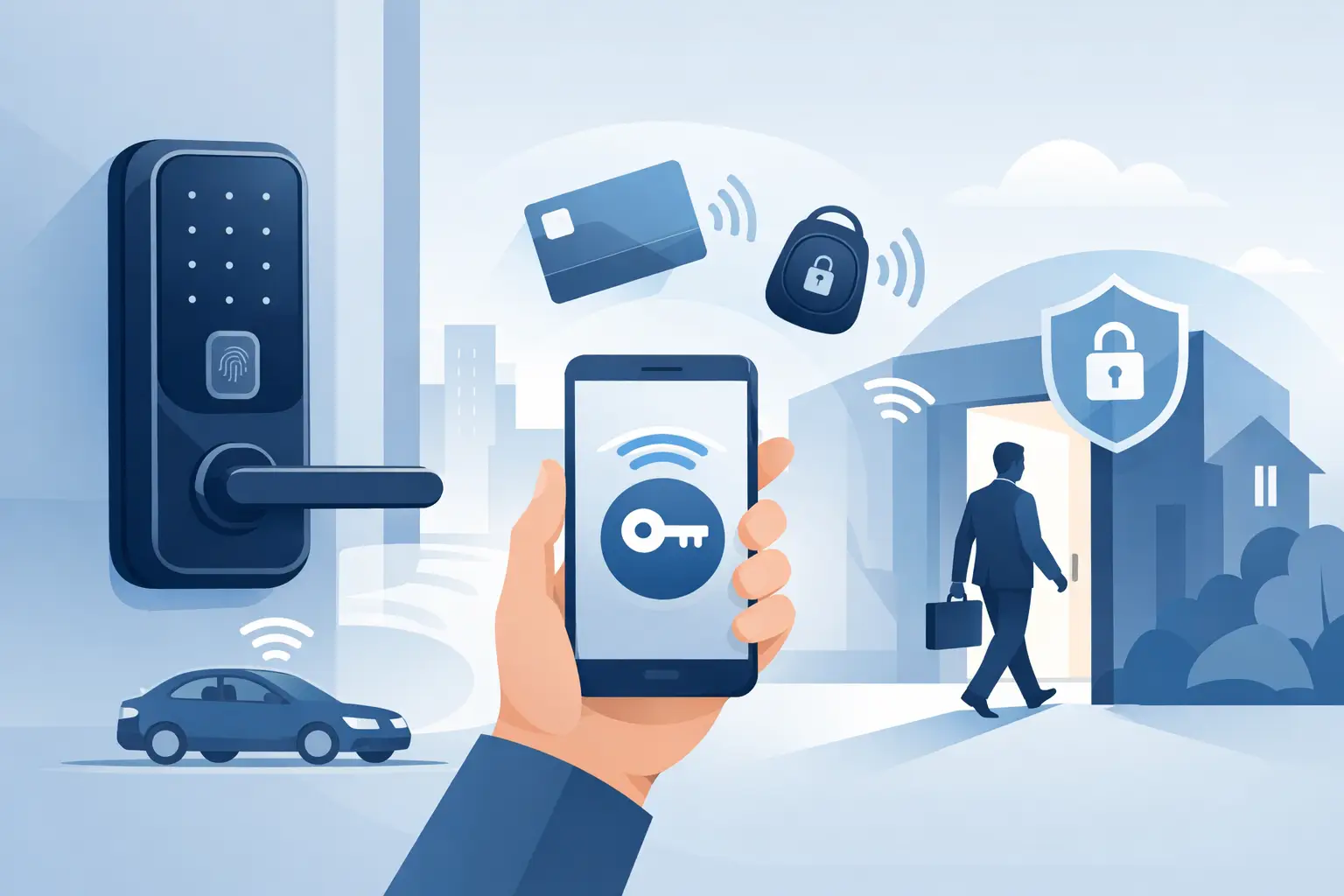

A misplaced house key, an employee who never returned a copy, or a rental turnover can turn a simple lock into a security concern. This guide to keyless entry systems explains how electronic access works, where it makes sense, and what to consider before replacing a traditional lock. The right setup can make daily access easier while giving you more control over who can enter and when.
Keyless entry is not one product or one level of security. A keypad deadbolt for a family home serves a different purpose than a cloud-managed door system at a busy office. Choosing based on convenience alone can create new problems. The better approach is to match the system to the door, the people using it, and the level of control you actually need.
What Is a Keyless Entry System?
A keyless entry system lets an authorized person open a door without using a standard metal key every time. Depending on the model, access may be granted through a personal code, fingerprint, key card, fob, phone app, or remote control. Some locks use more than one method, such as a keypad with a mechanical backup key or a keypad paired with a smartphone app.
For most homes, a keypad deadbolt is the most straightforward option. You enter a code, turn the thumbturn or handle, and enter the property. For businesses, electronic lever locks, card readers, and access-control systems can issue individual credentials and record entries. Vehicle keyless systems use fobs, proximity sensors, and programmed transponder technology to communicate with the car.
The main advantage is control. Instead of collecting or rekeying physical keys after a change, you can remove a code or deactivate a credential. That is especially useful for property managers, households with regular service providers, and business owners managing staff access.
Types of Keyless Entry Systems
Keypad Locks
Keypad locks are a practical fit for front doors, side entries, garages, and small offices. Users enter a numeric code to operate the lock. Better models allow multiple codes, so a homeowner can assign separate codes to family members, dog walkers, cleaners, or guests.
A keypad lock is convenient, but code management matters. Avoid easy combinations such as a birth year, address number, or 1234. Change codes when a contractor finishes work, a tenant moves out, or a former employee should no longer have access. A long code is not always necessary, but unique codes are far safer than one shared by everyone.
Smart Locks
Smart locks add app-based management, remote access, activity notifications, and sometimes integration with cameras or alarm systems. They can be helpful when you need to issue a temporary code from away from the property or check whether a door was secured after leaving.
However, smart features add dependencies. Wi-Fi connectivity, app permissions, battery condition, and manufacturer support all affect performance. If remote control is not useful to your household or business, a quality keypad lock may be a more reliable and less complicated choice.
Fob, Card, and Credential Systems
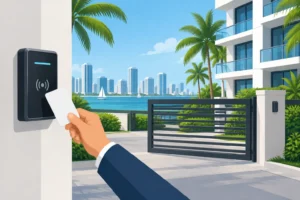
Fobs and card-based entry are common in offices, apartment buildings, gyms, and restricted commercial areas. Each user receives a credential that can be activated, scheduled, and removed. This is a major improvement over a ring of copied office keys that may have changed hands for years.
Commercial systems can also keep an access record, which helps managers investigate an issue or confirm who entered a space. Records are useful, but they are not a substitute for proper door hardware, camera coverage, employee policies, and regular reviews of active credentials.
Biometric Locks
Biometric locks identify a user through a fingerprint. They can be quick for a private office, cabinet, or home entry where a small group needs access. Their limitation is that fingerprint readings can be inconsistent when hands are wet, dirty, injured, or worn from physical work.
For that reason, biometric access is best used with a dependable alternate entry method. A keypad, managed credential, or protected mechanical override prevents a fingerprint reader from becoming a point of failure.
How to Choose the Right Keyless System
Start with the door and the use case, not the technology. A solid exterior door needs a properly rated deadbolt and a reinforced strike plate regardless of whether it uses a key, code, or app. A sleek electronic lock installed on a weak door frame does not create meaningful security.
Consider how many people need access and how often that changes. A homeowner may only need several codes and a battery-operated keypad. A short-term rental may benefit from temporary codes that expire after checkout. A small business with staff turnover should consider a system that can quickly remove individual credentials without changing access for everyone else.
Also consider your preferred backup plan. Most residential electronic locks run on batteries and provide a low-battery warning. Many have emergency contacts for a temporary external battery connection, a mechanical keyway, or both. Know how your model works before there is a problem. Keep any backup key in a secure location away from the door, not under a mat or inside an obvious fake rock.
For commercial properties, consider fire and life-safety requirements before selecting hardware. Exit doors must allow occupants to leave safely and quickly. Some doors also require panic hardware, code-compliant electric locking components, or professional integration with a building access-control system. A locksmith can help identify the right hardware, but larger systems may also require coordination with a qualified access-control or low-voltage professional.
Keyless Entry Security: What Actually Matters
A keyless lock is only as secure as its installation, settings, and surrounding door hardware. Look for a lock designed for exterior use, with a solid deadbolt and a reputable security rating where applicable. Use long screws that reach the wall framing for the strike plate, and inspect the door frame for cracks, rot, or loose hardware.
Digital security matters for smart locks. Use a strong, unique password for the associated account and turn on multi-factor authentication if the manufacturer offers it. Keep the lock app, home router, and firmware current. Do not share the main account login with guests or employees. Create separate, limited credentials whenever possible.
Physical habits still matter too. Do not post door codes in a text group that includes former workers or guests. Do not reuse the same code on multiple properties. If an access code is shared during an emergency, replace it after the situation is resolved.
For high-value homes, sensitive offices, and properties with a history of attempted break-ins, electronic access may need to be paired with higher-security mechanical hardware. Keyless convenience does not replace a strong door, properly installed deadbolt, reinforced frame, good lighting, and a sensible access policy.
Installation Decisions That Prevent Trouble
Some retrofit keypad locks fit standard door preparations and can be installed without major changes. Others require careful measurements, door modification, wiring, or alignment work. A lock that binds, fails to latch, or drains batteries quickly is often an installation or door-alignment problem rather than a defective product.
Before buying, confirm the door thickness, backset, handing, existing bore holes, and whether the door is exposed to heavy rain or direct sun. South Florida humidity, salt air near the coast, and frequent storms can be tough on exterior hardware. Choose equipment rated for outdoor use, and do not assume every indoor-style smart lock will hold up at a pool gate, exterior office door, or exposed side entrance.
Installation should also preserve the door’s ability to close and latch normally. Never force an electronic deadbolt to compensate for a sagging door or misaligned strike. Correcting the alignment first protects the lock motor and helps prevent frustrating lockouts.
Common Mistakes to Avoid
The most common mistake is treating keyless entry as a set-it-and-forget-it purchase. Batteries need attention, user codes need review, and door hardware needs occasional inspection. Set a calendar reminder to test backup entry options and replace batteries on a schedule rather than waiting for a warning at the worst possible time.
Another mistake is giving every user the same code or fob. Individual credentials make it clear who has access and make removals simple. They also prevent a single shared code from following a former tenant, employee, or vendor indefinitely.
Finally, do not install an electronic lock simply because it looks convenient. A back door used once a week may be better served by a high-security mechanical deadbolt, while a frequently used rental or office entry may benefit greatly from managed codes. The best system is the one that improves access without adding unnecessary complexity.
A properly selected keyless entry system can reduce key worries, simplify turnover, and give you clearer control over access. If you are unsure which lock fits your home, business, rental, or vehicle needs, General Locksmith can assess the existing hardware and recommend a practical solution. Need fast, reliable locksmith service in Broward, Miami-Dade, or Palm Beach County? Call 954-243-1381 for help 24/7.