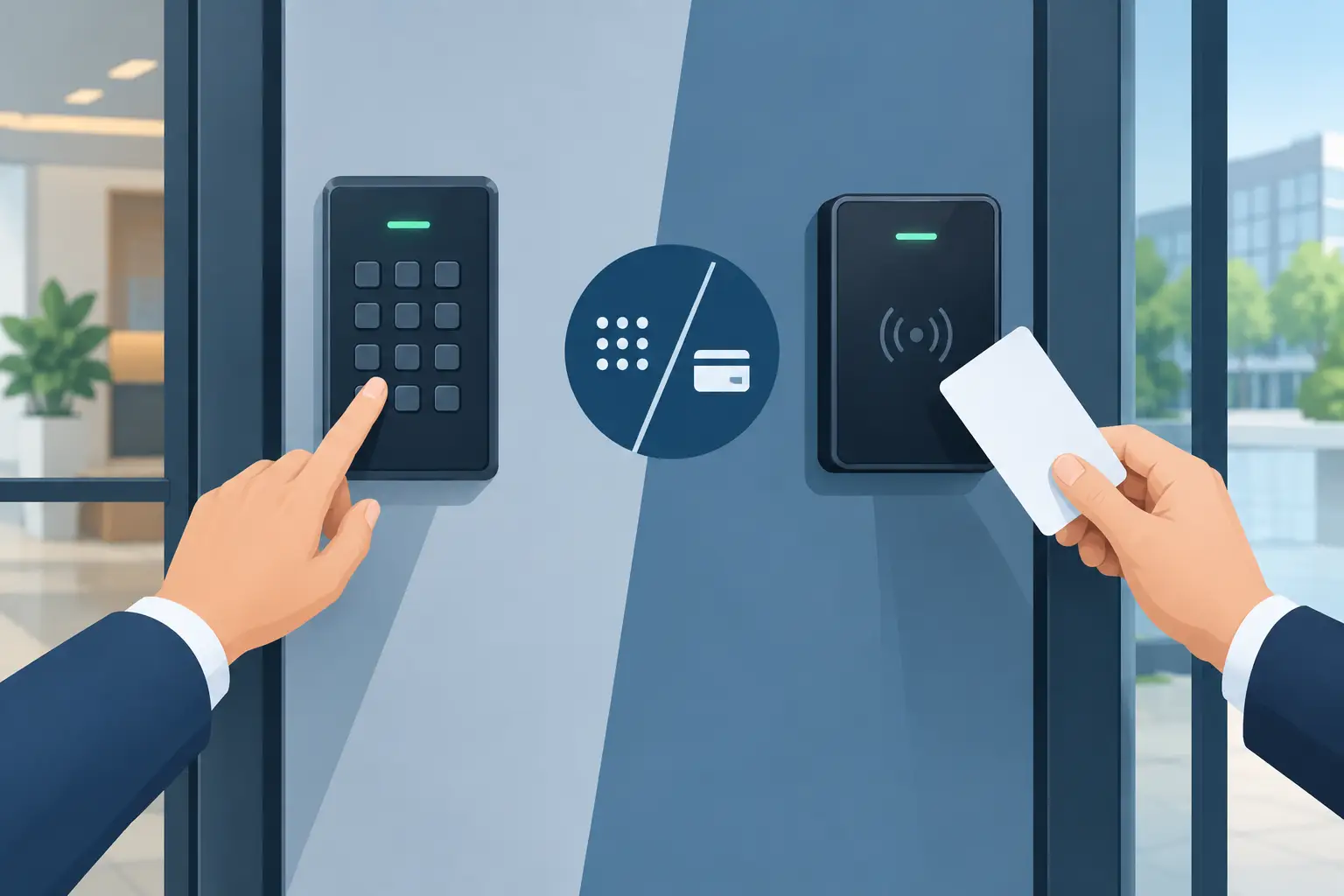

A lost employee credential is more than an inconvenience when it opens a stockroom, office suite, or gated service entrance. The right access system lets you respond quickly without changing every lock. When comparing commercial keypad versus card access, the better choice depends on how many people need entry, how often access changes, and how much accountability your business needs.
For a small South Florida business with a few trusted employees, a commercial keypad can be practical and cost-effective. For a busy property with rotating staff, vendors, tenants, or sensitive areas, card access may provide the control that a shared code cannot. Both can improve security when they are installed correctly and matched to the door, hardware, and daily operation.
Commercial Keypad Versus Card Access: The Main Difference
A commercial keypad requires a person to enter a PIN or code at the door. Depending on the system, the keypad may release an electric strike, magnetic lock, electrified lever, or another locking device. Some keypads are standalone units, while others connect to a broader access control system.
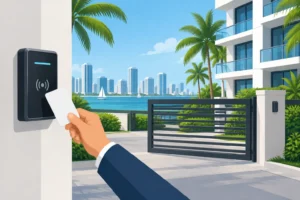
Card access requires a credential, such as a proximity card, key fob, mobile credential, or smart card, to be presented to a reader. The system checks whether that credential is permitted at that door and at that time. More advanced systems can record entry activity and allow managers to change permissions from a computer or mobile platform.
The key distinction is simple: keypad access is based on what a person knows, while card access is based on what a person carries. That difference affects security, administration, cost, and what happens when an employee leaves.
When a Commercial Keypad Makes Sense
A keypad is often a strong fit for a small office, a private staff entrance, a storage room, or a business with a stable team. There are no cards to issue, collect, replace, or keep in a drawer. Employees can enter with a code, which makes keypads useful when people do not want to carry another credential.
Upfront costs may also be lower, especially for a single door. A standalone keypad can be a straightforward security upgrade when the door already has suitable locking hardware and power is available. For some businesses, that is all the access control they need.
A keypad is also helpful for temporary access. A manager can provide a contractor, cleaning crew, or delivery team with a code and change it after the work is complete. The process is simple, but it only stays secure if codes are managed carefully.
The shared-code problem
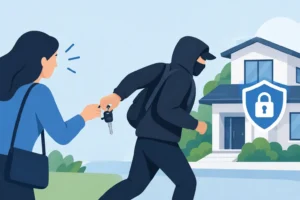
The greatest weakness of a basic keypad is that codes can be shared. A former employee may remember a code long after leaving. A current employee may give it to a coworker, friend, or vendor. Once a code is known by several people, there is no reliable way to know who actually entered the building.
Changing the code solves that problem, but it creates a new task. Every authorized person must receive the new code, and an old code may still be written on a note, saved in a phone, or passed along before it is changed. Businesses with frequent staff turnover can quickly find this process frustrating.
Keypads are also vulnerable to observation. Someone can watch a user enter a PIN, notice worn buttons, or see a code written near the door. These risks can be reduced by using long, non-obvious codes, removing outdated codes immediately, and placing the keypad where staff can enter without being easily observed.
When Card Access Is the Better Investment
Card access is usually the better fit when access needs to be assigned to individuals rather than shared among a group. Each employee can receive a unique credential. If an employee leaves, loses a fob, or no longer needs access to a certain area, a manager can disable that credential without affecting everyone else.
This is especially useful for medical offices, warehouses, apartment or condominium common areas, professional offices, schools, retail back rooms, and properties with multiple shifts. Access can often be limited by door, day, and time. A delivery coordinator may need access to a receiving door during business hours, while a manager may have access throughout the building after hours.
Card systems can also create an entry record. That does not mean every business needs to monitor every door event. It does mean there is a useful trail when a door is found open, inventory goes missing, or a manager needs to confirm whether a vendor arrived. For businesses responsible for tenant safety, employee safety, or valuable assets, that visibility has real value.
Card access has its own trade-offs
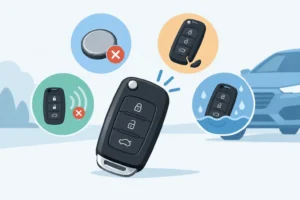
Cards and fobs get lost. They can be forgotten at home, left in a vehicle, or damaged. The good news is that a lost credential can usually be turned off quickly, but someone still needs to handle replacements and maintain the system.
Card access can also cost more at the start. You may need readers, a controller, credentials, software, power supplies, door hardware, and professional installation. The right system can pay off over time through better control, but it is not always necessary for one low-risk door.
Not all card systems provide the same level of protection. Older low-frequency proximity cards can be easier to copy than newer encrypted credentials. A professional assessment should consider the value of what the door protects, not just the cost of the reader on the wall.
Security Is More Than the Reader
A keypad or card reader is only one part of the opening. A secure commercial door also needs the right locking hardware, door closer, hinges, frame condition, wiring protection, and emergency egress setup. Installing an advanced reader on a weak door does not solve the larger security problem.
Life-safety requirements matter as well. People must be able to exit safely during an emergency, and fire-rated doors cannot be modified carelessly. In many commercial settings, access control should work with the fire alarm system so doors release or operate as required during an alarm event. This is not a do-it-yourself detail or a place to cut corners.
South Florida weather is another consideration. Exterior devices must stand up to heat, humidity, wind-driven rain, and heavy daily use. A reader or keypad that works well inside an office may not be the right choice for an exposed gate, marina-adjacent property, loading area, or exterior employee entrance. Properly rated equipment and protected wiring help prevent avoidable service calls.
Questions to Ask Before Choosing
Start with the people and doors involved. If only a few permanent employees need access to one interior room, a keypad may be the sensible answer. If a property has multiple doors, changing staff, contractors, or several access levels, card access usually becomes easier to manage.
Think about the consequences of a lost credential versus a shared code. A lost card can be deactivated for one person. A compromised keypad code may require a code change for everyone. Also consider whether you need to know who entered a specific door and when. If the answer is yes, individual credentials are usually the more practical route.
Budget should include more than the equipment purchase. Ask about installation, electrical work, software or cloud fees, replacement credentials, ongoing maintenance, and emergency support. A lower initial price is not always the lower operating cost if codes need frequent changes or the system cannot expand when the business grows.
Finally, consider a layered approach. A keypad can be paired with a card or fob requirement for higher-risk doors, creating two-factor entry. A business may use card access at employee entrances and a mechanical high-security lock on a restricted cabinet or critical room. The goal is not to buy the most complicated system. It is to create appropriate control at each point of entry.
Get the Door and Access Plan Right
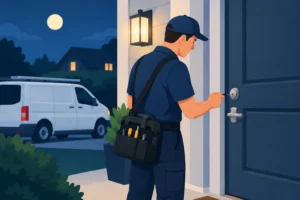
A professional commercial locksmith can evaluate the whole opening before recommending equipment. That includes the lock, frame, latch alignment, exit hardware, power requirements, fire-rating concerns, and how staff actually use the door. General Locksmith helps businesses throughout Broward County and nearby South Florida communities select, install, repair, and service commercial access solutions with security and daily operations in mind.
If you are dealing with employee turnover, lost keys, an unsecured side entrance, or a door that no longer closes reliably, act before it becomes an after-hours emergency. Call General Locksmith at 954-243-1381 for fast, reliable commercial locksmith assistance or to schedule an access control assessment. We are here to help 24/7.